Building chatbots with chatlas and shinychat
.app() methodchat.app() – a working chatbot in 1 line of code.chatlas + shinychat provides a delightful UX, but you could also:
chatlas with your own frontend (e.g., Streamlit, FastAPI, etc.)shinychat with your own backend (e.g., LangChain, Pydantic AI, etc.)shinychat: high-level API.app() is a thin wrapper around shinychat. It’s basically just:
shinychat: low-level APIshinychat has a low-level API that gives you full control over the chat.
import chatlas as ctl
from shinychat.express import Chat
chat = Chat("chat")
chat.ui()
client = ctl.ChatBedrockAnthropic()
@chat.on_user_submit
async def handle_user_input(user_input: str):
# This next line could also be a LangChain chain,
# Pydantic AI call, or any generator.
response = await client.stream_async(user_input)
await chat.append_message_stream(response)client= gives you for freeMain idea: Return ContentToolResult with a ToolResultDisplay.
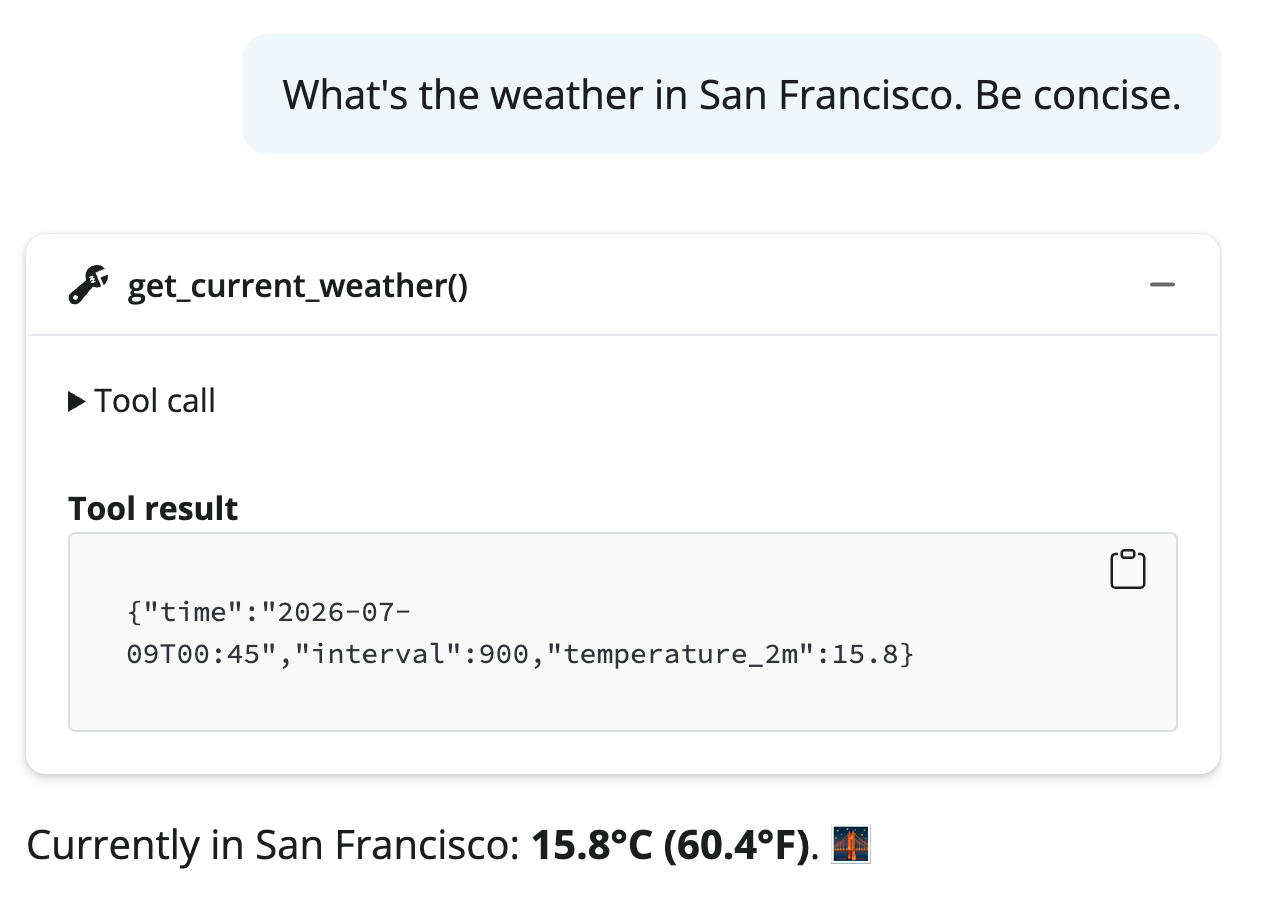
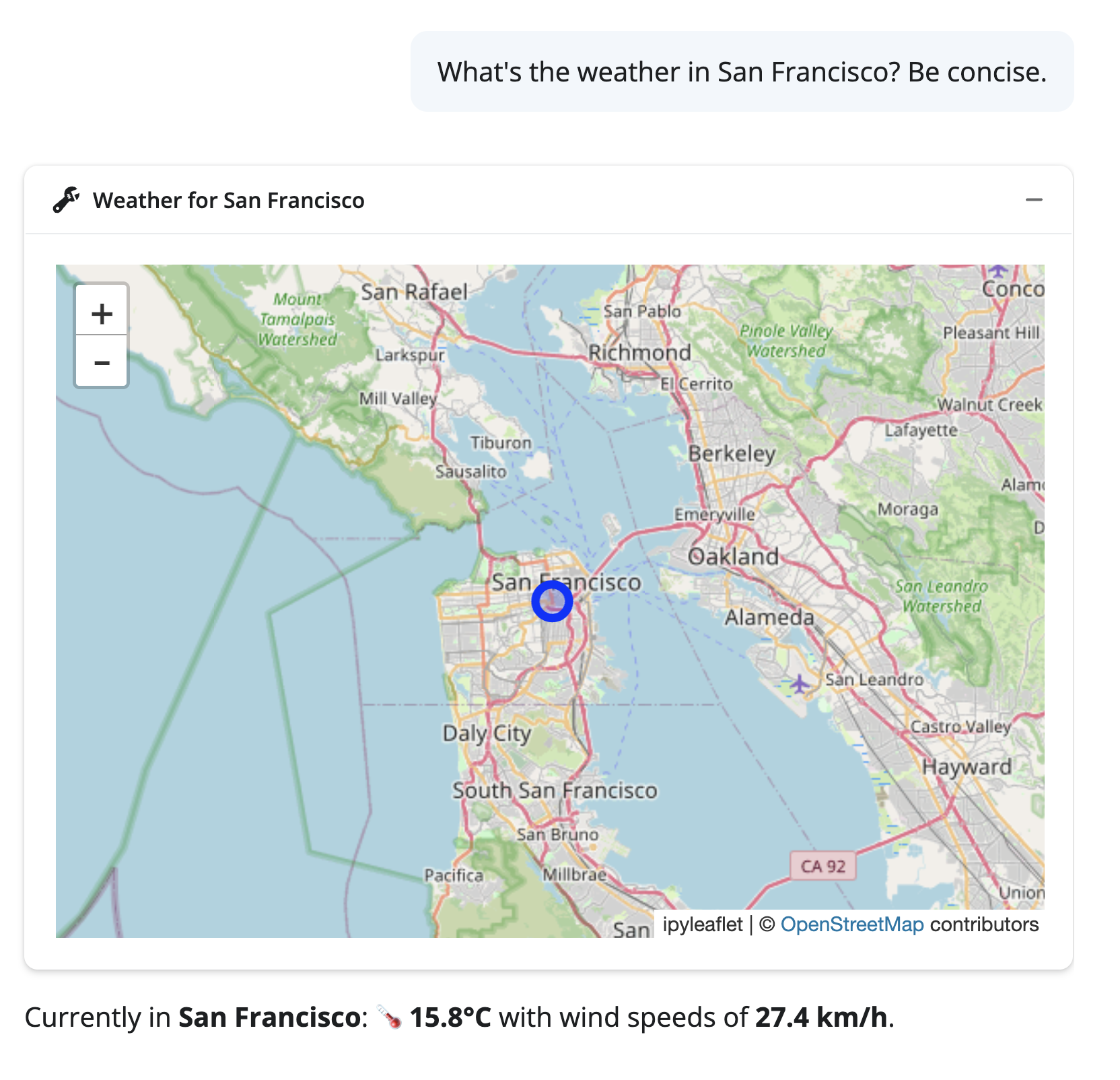
shinychat uses this to display rich tables and visualizations in the chat. The LLM sees the raw data, user sees a polished display.

exercises/shinychat-app.py and run it.
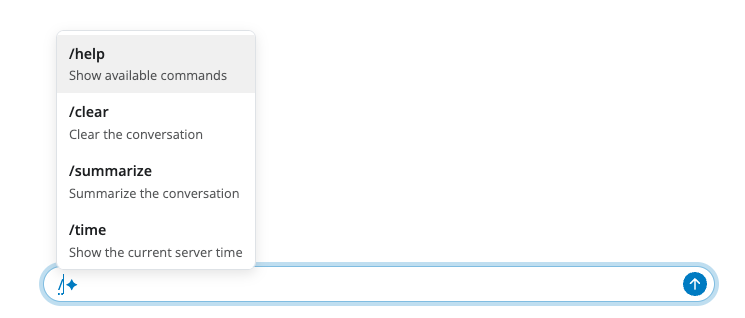
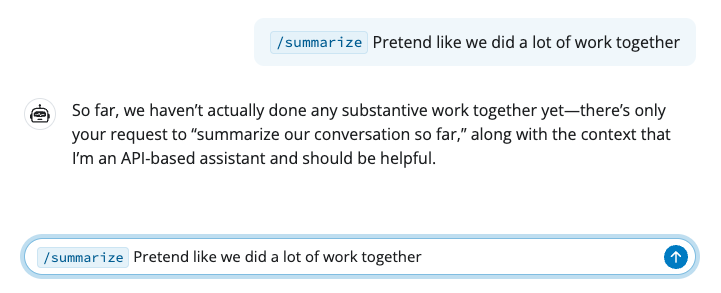
shiny run exercises/shinychat-app.py (or press run in Positron)."clear") that clears the conversation.get_weather() to return a ToolResultDisplay with a custom display.